










Blueprints build plans for Minecraft, layer by layer
Buildings to rebuild block by block. Every blueprint has a 3D view you can turn, a top view of each layer, the materials counted in stacks and Shulker boxes, and the raw resources to gather before you start.
All blueprints · 34
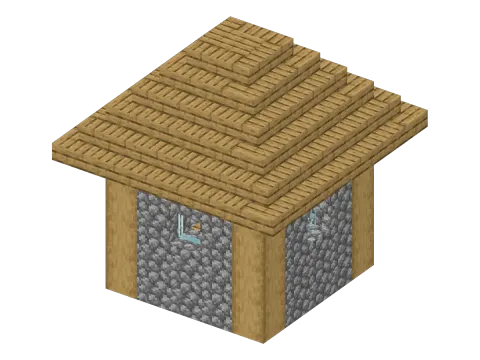 From the game · 7 × 7 × 7 Plains Village House 153 blocks · Easy
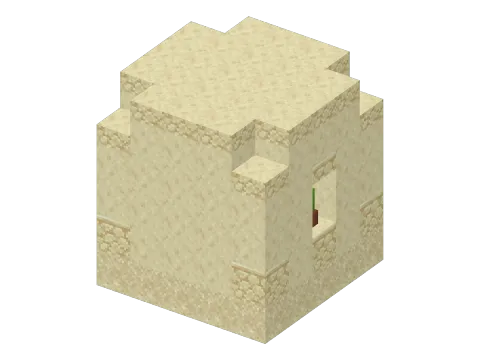 From the game · 6 × 6 × 5 Desert Village House 116 blocks · Easy
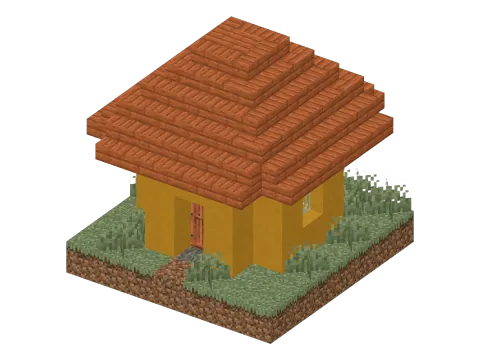 From the game · 7 × 7 × 7 Savanna Village House 176 blocks · Easy
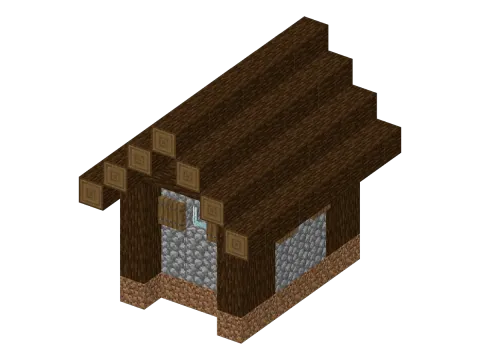 From the game · 7 × 8 × 9 Taiga Village House 216 blocks · Easy
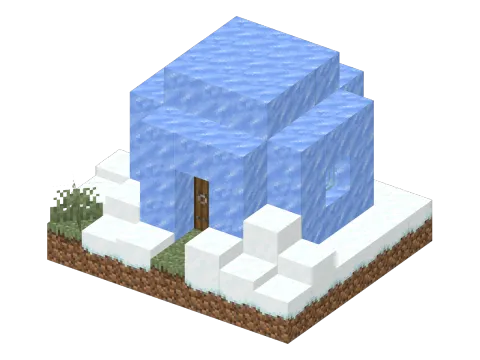 From the game · 7 × 5 × 6 Snowy Village House 112 blocks · Easy
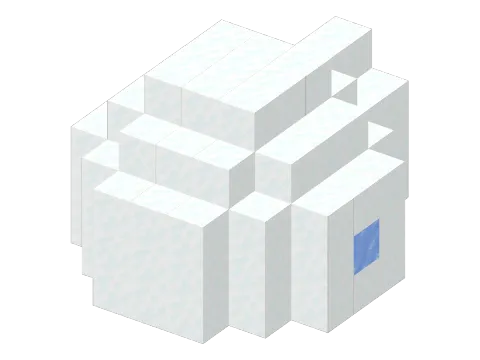 From the game · 7 × 5 × 8 Igloo 114 blocks · Easy
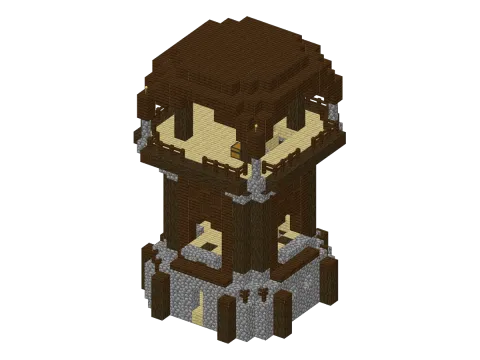 From the game · 15 × 21 × 15 Pillager Outpost Watchtower 1155 blocks · Hard
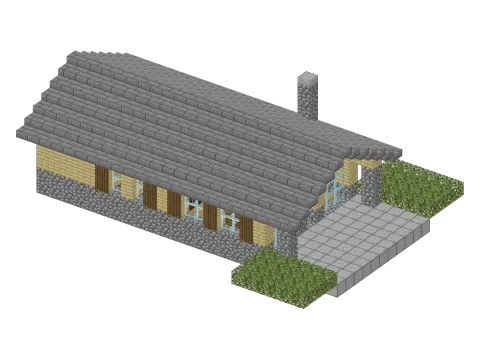 Original · 26 × 9 × 19 Contemporary Chalet 1047 blocks · Hard
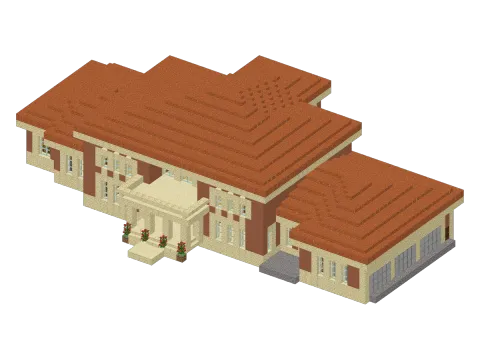 Original · 62 × 17 × 40 Italian Villa 7525 blocks · Hard
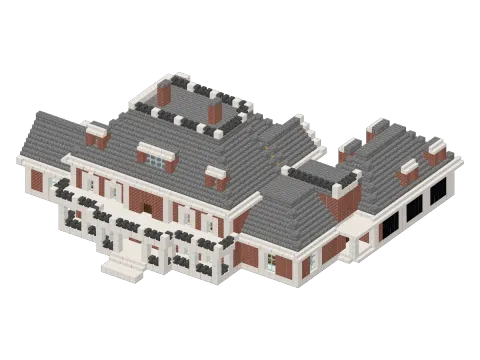 Original · 53 × 23 × 47 Neoclassical House 6493 blocks · Hard
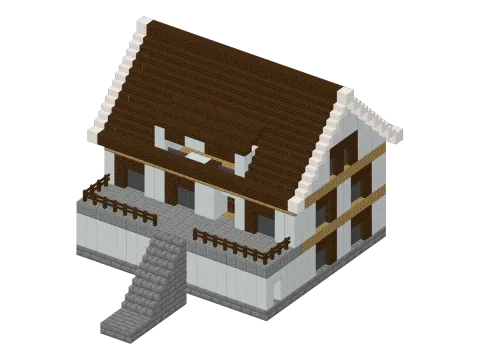 Original · 21 × 18 × 26 1970s French House 2259 blocks · Hard
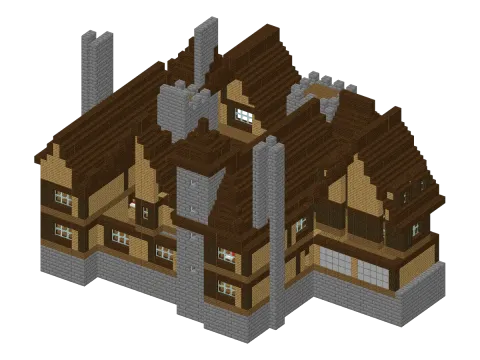 Original · 51 × 29 × 35 Peleș Manor 9298 blocks · Hard
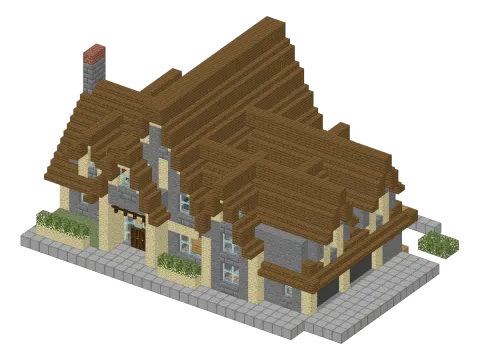 Original · 34 × 17 × 23 European House 3365 blocks · Hard
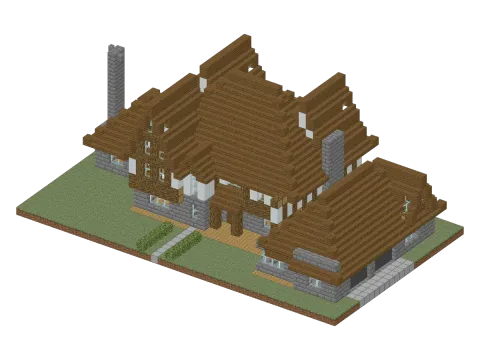 Original · 45 × 17 × 26 Tudor House 4423 blocks · Hard
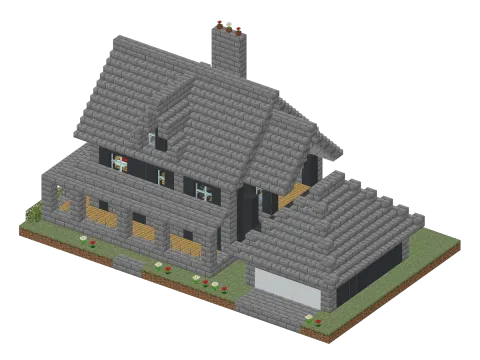 Original · 33 × 18 × 20 American House 2876 blocks · Hard
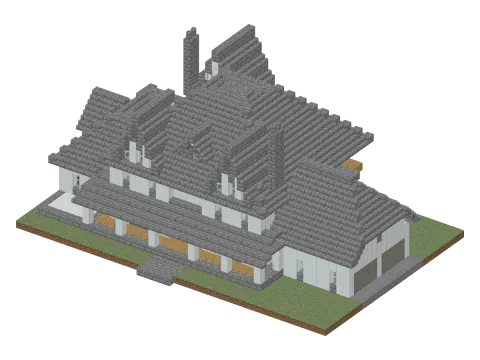 Original · 47 × 21 × 31 American Farmhouse 6553 blocks · Hard
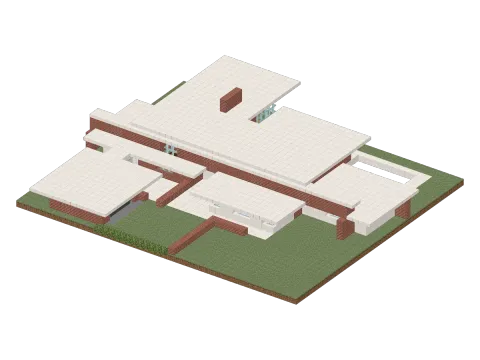 Original · 48 × 10 × 42 Contemporary House 4571 blocks · Hard
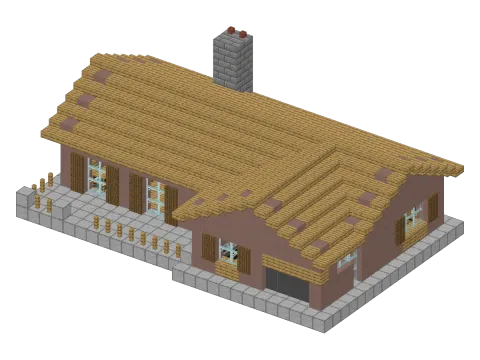 Original · 27 × 11 × 18 Small House 1688 blocks · Hard
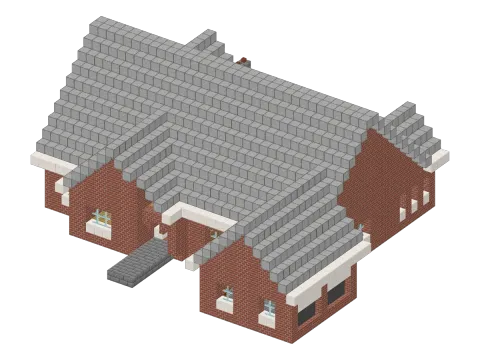 Original · 37 × 16 × 35 Cottage House 3731 blocks · Hard
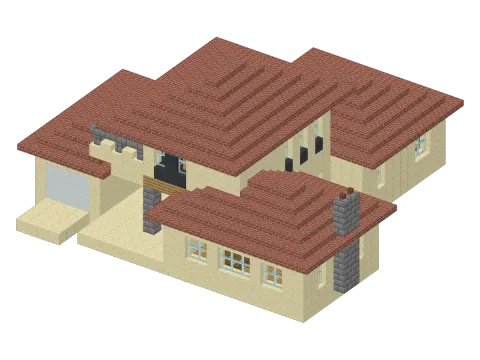 Original · 29 × 14 × 28 Traditional House 2342 blocks · Hard
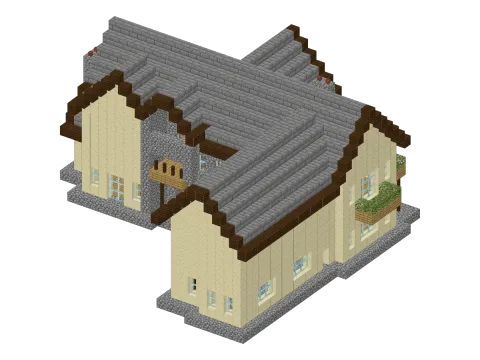 Original · 35 × 17 × 32 Large Traditional House 3472 blocks · Hard
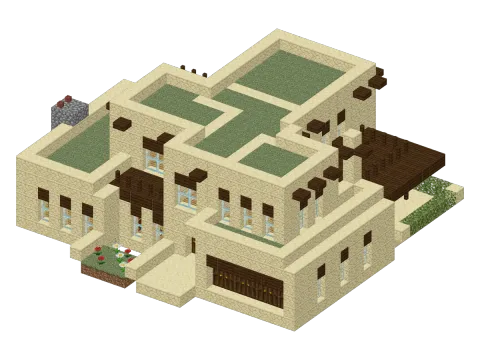 Original · 27 × 10 × 25 Pueblo House 2198 blocks · Hard
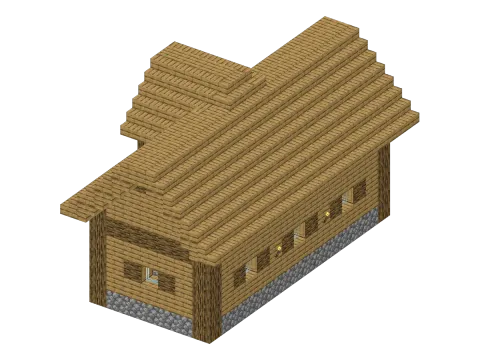 From the game · 11 × 10 × 17 Plains Village Library 631 blocks · Medium
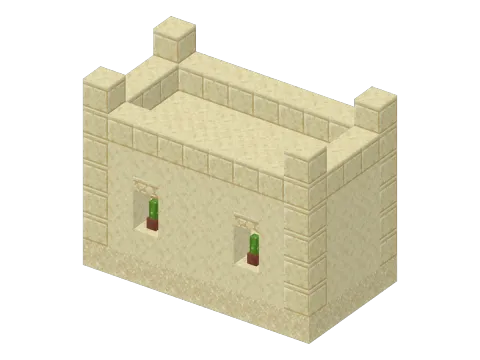 From the game · 9 × 7 × 5 Desert Village Library 207 blocks · Easy
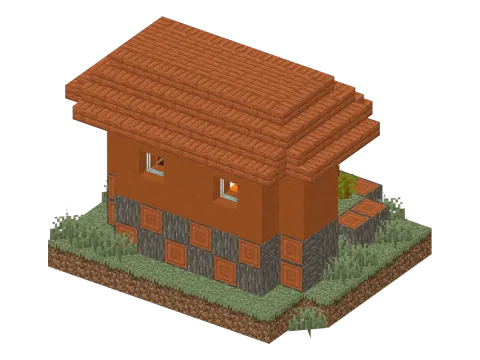 From the game · 10 × 8 × 8 Savanna Village Library 318 blocks · Medium
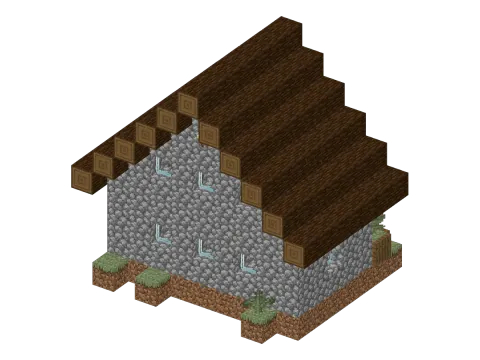 From the game · 11 × 10 × 8 Taiga Village Library 362 blocks · Medium
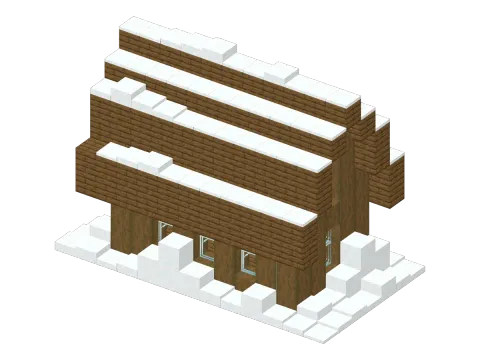 From the game · 13 × 10 × 7 Snowy Village Library 434 blocks · Medium
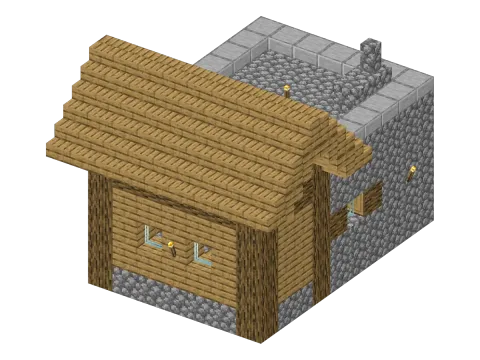 From the game · 9 × 8 × 11 Plains Village Weaponsmith 350 blocks · Medium
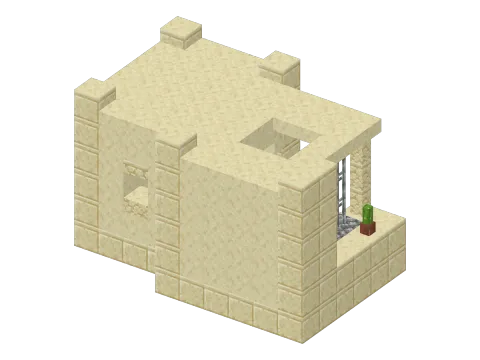 From the game · 10 × 6 × 7 Desert Village Weaponsmith 262 blocks · Medium
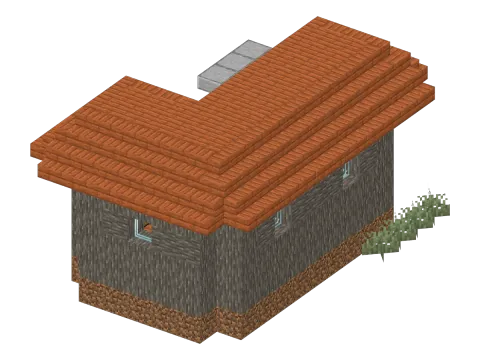 From the game · 9 × 7 × 13 Savanna Village Weaponsmith 380 blocks · Medium
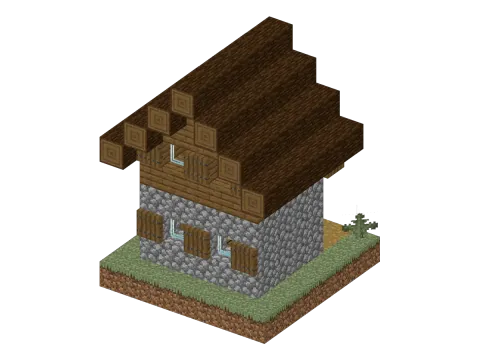 From the game · 7 × 9 × 7 Taiga Village Weaponsmith 203 blocks · Easy
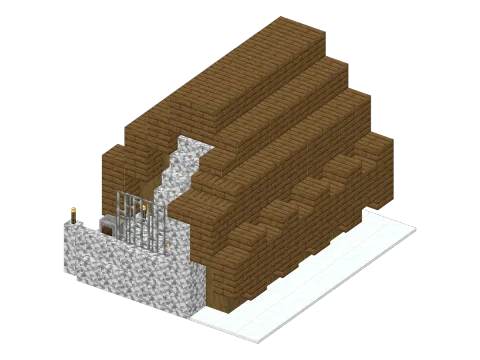 From the game · 9 × 7 × 10 Snowy Village Weaponsmith 313 blocks · Medium
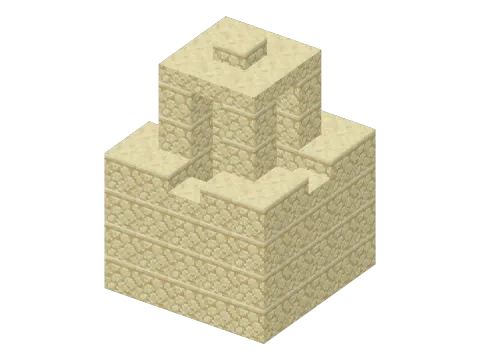 From the game · 5 × 7 × 5 Desert Well 112 blocks · Easy
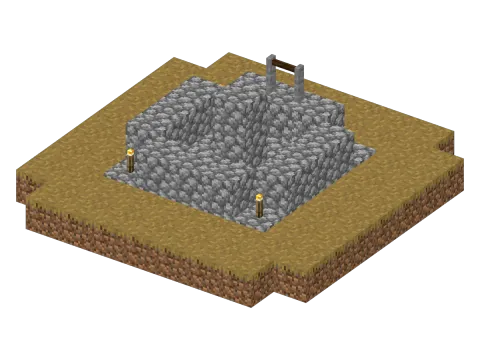 From the game · 9 × 4 × 9 Plains Village Well 97 blocks · Easy
No blueprint matches these filters.
From the game · 5 biomes · one house eachVillage Houses From the game · 5 biomes · one library eachVillage Libraries From the game · 5 biomes · one weaponsmith eachVillage Weaponsmiths Circle & sphere generatorAny radius, filled or hollow, layer by layer, with the block count. Open How to use a blueprint
- Gather the materials. Switch the list to raw resources to see how many logs, cobblestone or sand to collect, rounded up.
- Build layer by layer. Start at layer 1, the lowest one. Each view is seen from above with north at the top, and the layer below shows faded so you can line things up.
- Check in 3D. Move the layer slider under the 3D view, or press Build to watch the construction rise one layer at a time.
Place a blueprint with a command
Blueprints taken from the game come with a /place template command. Run it in a world with cheats on and the building appears in one go, with its north-west bottom corner at your position. Add clockwise_90, 180 or counterclockwise_90 at the end to turn it.
Print a blueprint
The print button lays out every layer one after the other, with the material list. Choose "Save as PDF" in the print window to keep a copy on your phone or tablet while you build.
Round builds
Towers, domes and round rooms start with a clean circle. The circle and sphere generator draws any size, filled or hollow, layer by layer.
✓ Checked in Java Edition 26.3 · updated 2 November 2026
FAQ
Can I download the buildings that come from the game?
No file is needed: the /place template command on each page loads the building straight from the game files. Blockaria does not share the game files themselves.
What do the arrows on the layer views mean?
They show which way stairs face: the arrow points to the tall side. A hollow arrow marks upside-down stairs, and a blue corner marks a slab placed in the top half of the block.