








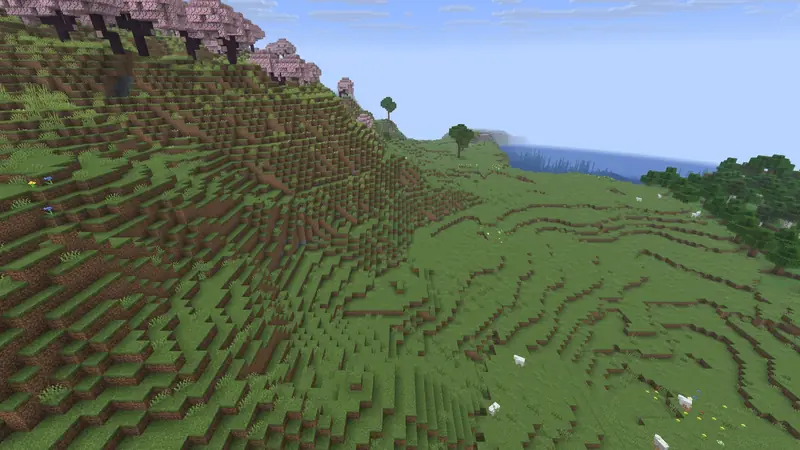
Ancient City · Spawn: Plains Ancient City 23 blocks from a Plains spawn
 Ancient City23 blocks
 Trial Chambers101 blocks
 Village (Plains)143 blocks
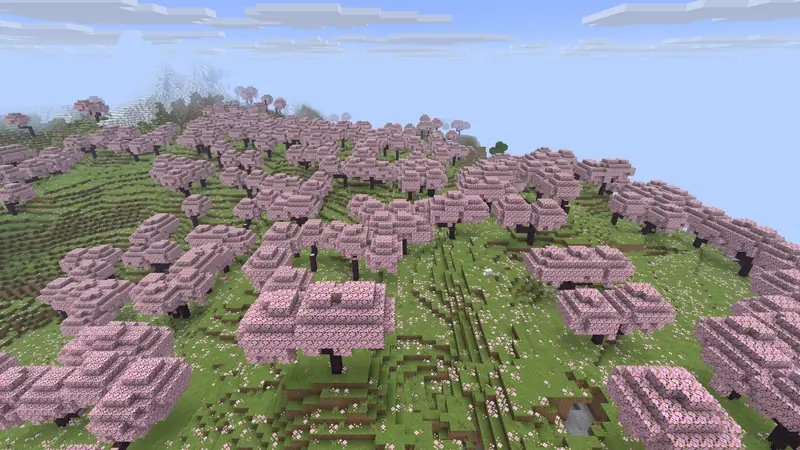
Seeds we found with our own tool and checked version by version: where you spawn, the coordinates of the structures around you, a live map and the versions where each seed still gives the same world.
Ancient City23 blocksTrial Chambers101 blocksVillage (Plains)143 blocksPaste a Java seed to see its biomes and one structure type at a time on the map.
Centred on spawn. Chunkbase shows one structure type at a time: pick it below. Java Edition only.
Since 1.18, terrain and climate are kept from one version to the next: a new biome only replaces part of an existing one, and structures keep their positions. That is why most seeds on this page give the same world in 1.21 and 26.x. When a version adds a surface biome, as 26.3 did with the Dappled Forest, a structure that sat in the replaced biome can disappear: each seed page shows the result version by version.
In Java Edition, click “Create New World”, open the “World” tab and paste the number in the “Seed for the world generator” field. Then create the world as usual: game mode, difficulty and cheats do not change the terrain.
Every seed here is a Java seed. Bedrock Edition uses the same terrain since 1.18, but it places villages, temples and other structures differently, so our coordinates would be wrong there.
The tool computes the spawn point, the surface biome, the structures that can generate and the nearest stronghold. It does not compute the exact height of a structure, what is inside the chests or whether a river cuts through a village. That is why the commands on each seed page put you on the surface above a structure rather than at an exact height. The pictures are illustrations, not screenshots of the seed.
✓ Checked in Java Edition 26.3 · updated 2 November 2026
No. Every seed was found by our own search tool, then profiled on each version. If we ever publish a seed found by someone else, we will credit them by name.
Yes. Set the seed in server.properties (level-seed) before the world is generated, then start the server.
Type /seed in the chat: the game shows the number and lets you copy it. On a server you need operator rights.
No. Bedrock Edition places structures differently, so the same number gives another world. All seeds on Blockaria are Java seeds.
Our tool computes X and Z exactly but not the height of each structure. Use the copyable command: it puts you on the surface above the structure.
All seeds on Blockaria were found by our own search tool, not copied from other lists. Biomes and structures are computed with cubiomes by Cubitect (MIT licence), a version we froze for 26.1 and 26.2, plus the 26.3 Dappled Forest rule. Coordinates are the starting chunk of each structure (within 16 blocks); heights are confirmed in game. Map: Chunkbase.


 Cherry Grove
 Survival island
 Speedrun
 Mushroom Fields
 Mountains
 Woodland Mansion
 Desert Pyramid
 Pale Garden