










Circle & Sphere Generator for Minecraft builds
Draw a circle, a sphere or a dome of any size, filled or hollow, then build it layer by layer from the grid with the exact block count of each layer.
// Even widths have no center block: the center sits between four blocks. This layer Faded: layer below Center
How to use it
- Pick a shape. A circle is a single layer. A sphere is a full ball, and a dome is its top half, ideal for roofs and greenhouses.
- Set the radius. The width is twice the radius: a radius of 8 gives a shape 16 blocks wide, and a radius of 7.5 gives 15 blocks with a center block.
- Filled or hollow. Hollow keeps only the outer shell; raise the wall thickness for sturdier towers.
- Build layer by layer. Start from layer 1 and use the faded cells, which show the layer below, to line up each row.
Odd or even width?
With an odd width, one block sits in the exact center, which helps for a beacon, a fountain or a pillar. With an even width, the center falls between four blocks. The blue lines on the grid mark the center either way.
Examples
A hollow circle with a radius of 8 takes 44 blocks. A hollow sphere of the same radius takes 632 blocks, and the matching dome 316. Print every layer with the button under the grid, or save them as a PDF. For whole buildings, see the blueprints.
✓ Checked in Java Edition 26.3 · updated 2 November 2026
FAQ
How do I build a perfect circle in Minecraft?
Choose the circle shape and your radius, then copy the grid row by row from one edge to the other. The block count under the grid tells you how many blocks to bring.
Does the generator work offline?
Yes. Everything is calculated in your browser, so nothing is sent anywhere and the page keeps working once loaded.
More blueprints
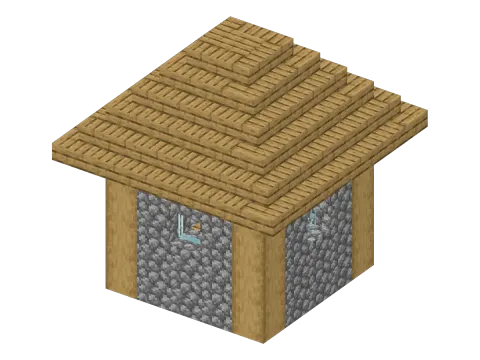 From the game · 7 × 7 × 7 Plains Village House 153 blocks · Easy
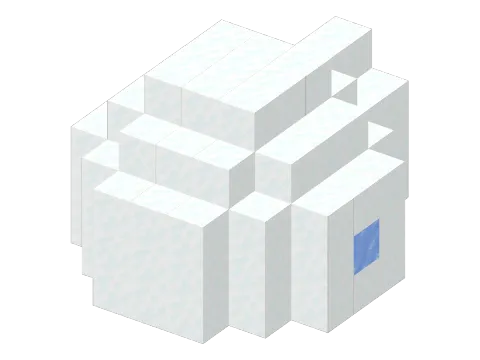 From the game · 7 × 5 × 8 Igloo 114 blocks · Easy
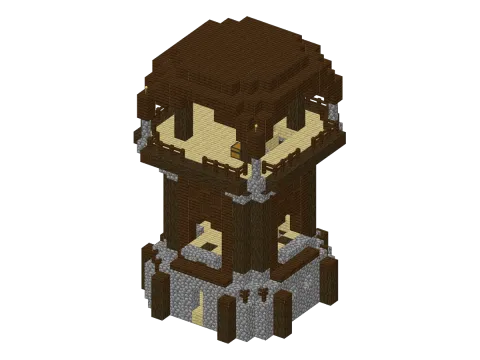 From the game · 15 × 21 × 15 Pillager Outpost Watchtower 1155 blocks · Hard
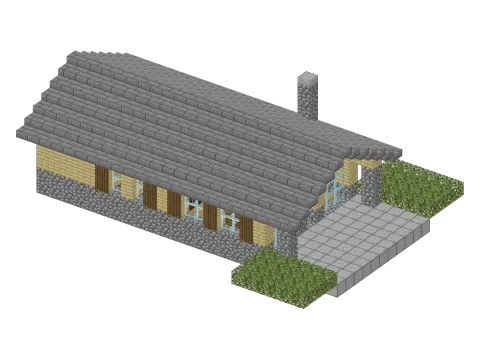 Original · 26 × 9 × 19 Contemporary Chalet 1047 blocks · Hard
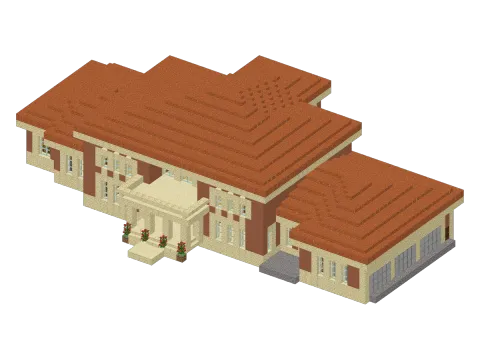 Original · 62 × 17 × 40 Italian Villa 7525 blocks · Hard
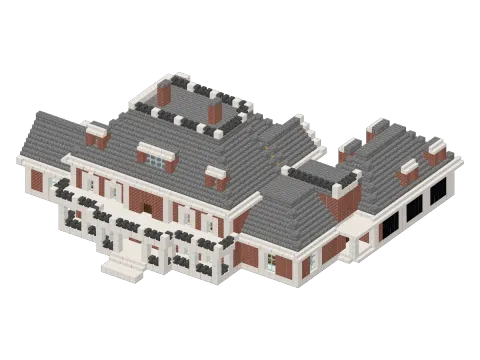 Original · 53 × 23 × 47 Neoclassical House 6493 blocks · Hard
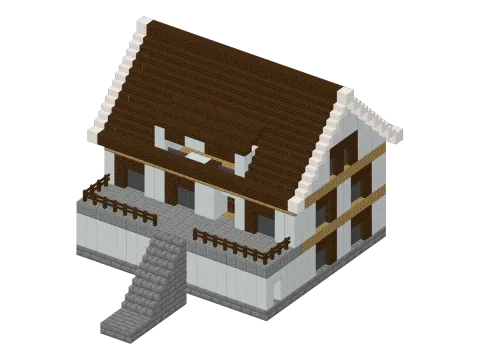 Original · 21 × 18 × 26 1970s French House 2259 blocks · Hard
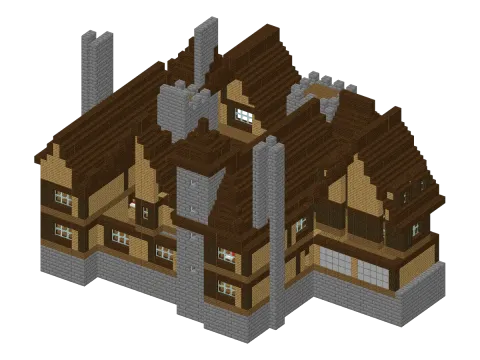 Original · 51 × 29 × 35 Peleș Manor 9298 blocks · Hard
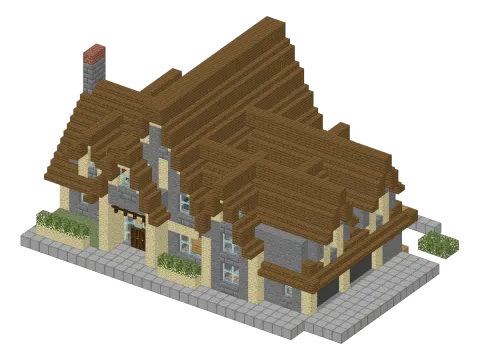 Original · 34 × 17 × 23 European House 3365 blocks · Hard
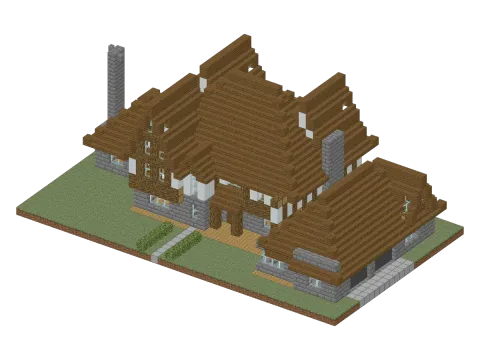 Original · 45 × 17 × 26 Tudor House 4423 blocks · Hard
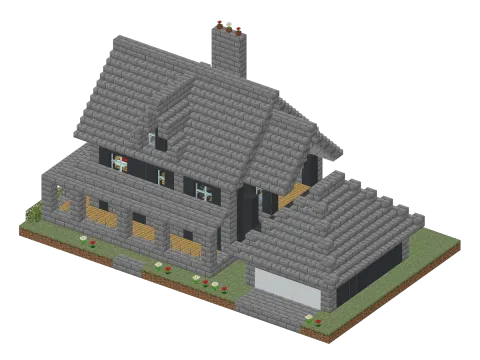 Original · 33 × 18 × 20 American House 2876 blocks · Hard
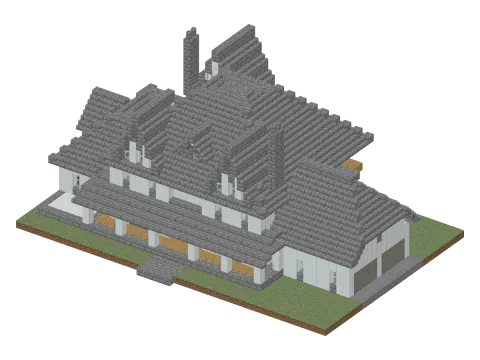 Original · 47 × 21 × 31 American Farmhouse 6553 blocks · Hard
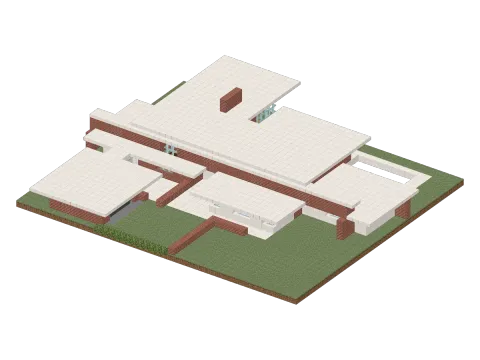 Original · 48 × 10 × 42 Contemporary House 4571 blocks · Hard
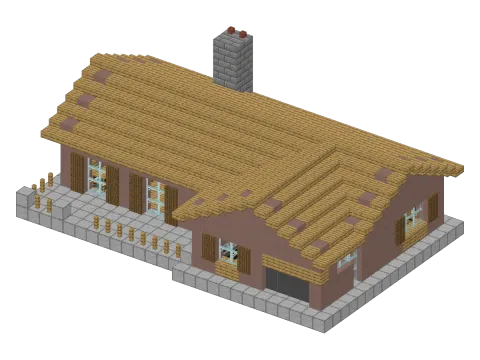 Original · 27 × 11 × 18 Small House 1688 blocks · Hard
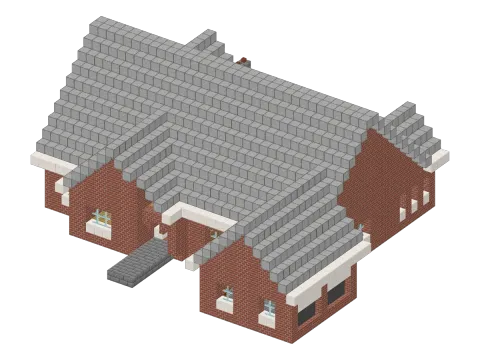 Original · 37 × 16 × 35 Cottage House 3731 blocks · Hard
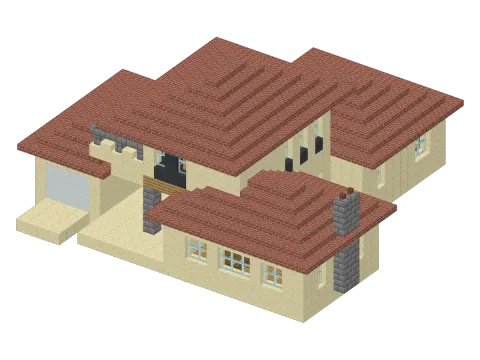 Original · 29 × 14 × 28 Traditional House 2342 blocks · Hard
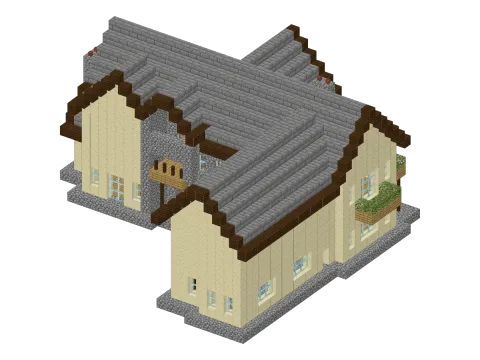 Original · 35 × 17 × 32 Large Traditional House 3472 blocks · Hard
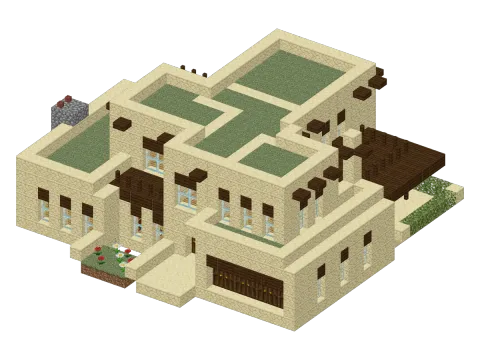 Original · 27 × 10 × 25 Pueblo House 2198 blocks · Hard
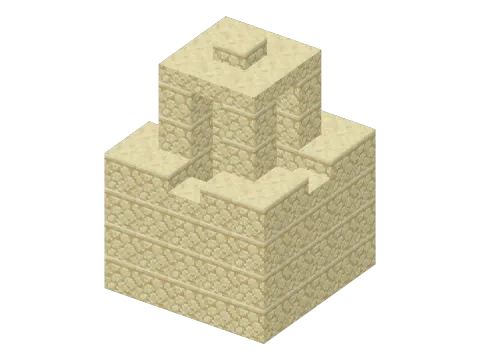 From the game · 5 × 7 × 5 Desert Well 112 blocks · Easy
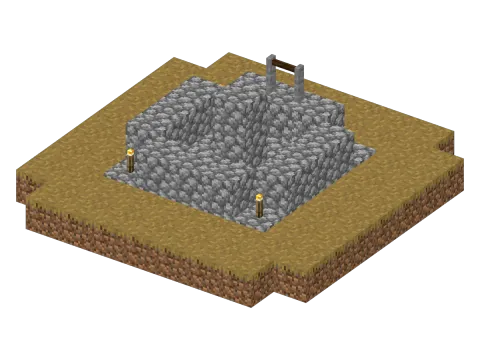 From the game · 9 × 4 × 9 Plains Village Well 97 blocks · Easy