










How to find your seed and locate structures in Minecraft
Get your seed with /seed, load it in a seed map set to your version, or use /locate: three ways to reach any village, mansion or trial chamber.
On this page · 7
Your seed is the number that decides where every structure generates. Get it with /seed, enter it in a seed map set to your edition and version, and you can read the coordinates of every village, mansion or trial chamber around you. This guide covers Java Edition 26.3.
Get your seed with /seed
Open the chat with T and type:
/seedThe game answers Seed: [number]. Click the number to copy it to the clipboard. More details are on the /seed command page.
- Singleplayer: the command works even with cheats off.
- Server: you need operator rights (permission level 2). In the server console, type
seedwithout the slash. - Realm: the owner opens World Backups, clicks Download Latest, then runs
/seedin the downloaded singleplayer copy. - Bedrock Edition: the seed is shown in the world settings.
Note your edition and version
The same seed does not give the same structures everywhere. Mojang changes world generation between versions, and Bedrock Edition places structures differently from Java. Before you open a map, write down:
- the edition: Java or Bedrock;
- the version you play, shown at the bottom left of the title screen (for example 26.3).
Chunks you explored before an update keep the structures of the old version. A map set to 26.3 is right only for the chunks generated in 26.3. Our seed pages show the difference: each seed is checked in 26.3, 26.2 and 1.21 separately.
Load the map on a structure page
Every structure page on Blockaria has an interactive seed map by Chunkbase. Open the page of the structure you want, for example the Woodland Mansion or the Trial Chambers, then:
- paste your seed in the Your seed field;
- pick Java or Bedrock under Edition;
- click Load the map. It comes from chunkbase.com and loads only when you click;
- click a marker to read its X and Z coordinates.
The map shows one structure type at a time. To compare several, open each page in turn, or start from the list of all structures.
Know how far apart structures are
The game cuts the world into square regions and tries to place one structure of each type per region. The try fails when the biome does not fit, so some regions stay empty. These sizes come from the 26.3 game files:
| Structure | One try per region of | Minimum gap |
|---|---|---|
| Village | 544 blocks (34 chunks) | 128 blocks |
| Trial Chambers | 544 blocks (34 chunks) | 192 blocks |
| Ancient City | 384 blocks (24 chunks) | 128 blocks |
| Ocean Monument | 512 blocks (32 chunks) | 80 blocks |
| Desert Pyramid | 512 blocks (32 chunks) | 128 blocks |
| Woodland Mansion | 1,280 blocks (80 chunks) | 320 blocks |
Woodland Mansions are rare: their regions are 1,280 blocks wide and they only generate in a Dark Forest or a Pale Garden. Strongholds follow their own rings around 0, 0: see how to find the End portal.
Or use /locate in a world with cheats
With cheats on, the game finds the nearest structure for you:
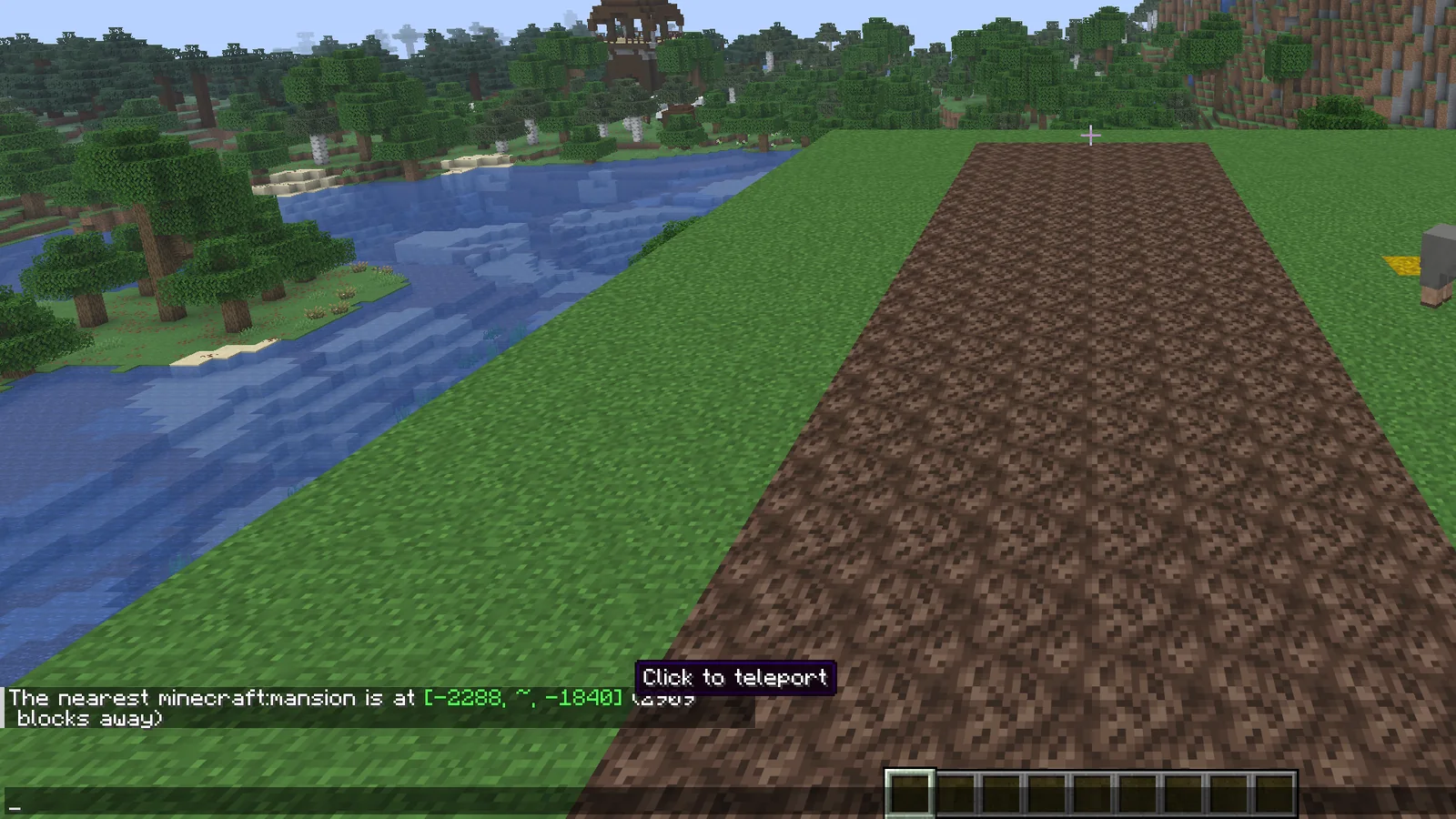
/locate structure minecraft:mansionThe answer reads The nearest minecraft:mansion is at [X, ~, Z] (N blocks away). Click the coordinates to teleport. A tag finds every variant at once, for example all five village types:
/locate structure #minecraft:village- Search from the right dimension: a Nether Fortress only shows up when you run the command in the Nether.
Could not find a structure of type ... nearbyalso appears when the world was created with Generate Structures off./locate biome minecraft:cherry_grovefinds a biome the same way.- In a survival world, Open to LAN with Allow Cheats on gives you the command until you leave the world.
Build any /locate command with the generator below, then copy it.
Command generator
Fill in the fields, copy the command, paste it in the chat. Syntax checked against Java Edition 26.3.
Turn on JavaScript to use the interactive version.
/locate structure #villageCalculated from the Java Edition 26.3 game files
Travel to the coordinates
Press F3: the XYZ line shows where you stand. Walk or ride until your X and Z match the target. For a surface structure, Y does not matter. Underground ones sit deep: an Ancient City starts at Y -27, Trial Chambers between Y -40 and Y -20.
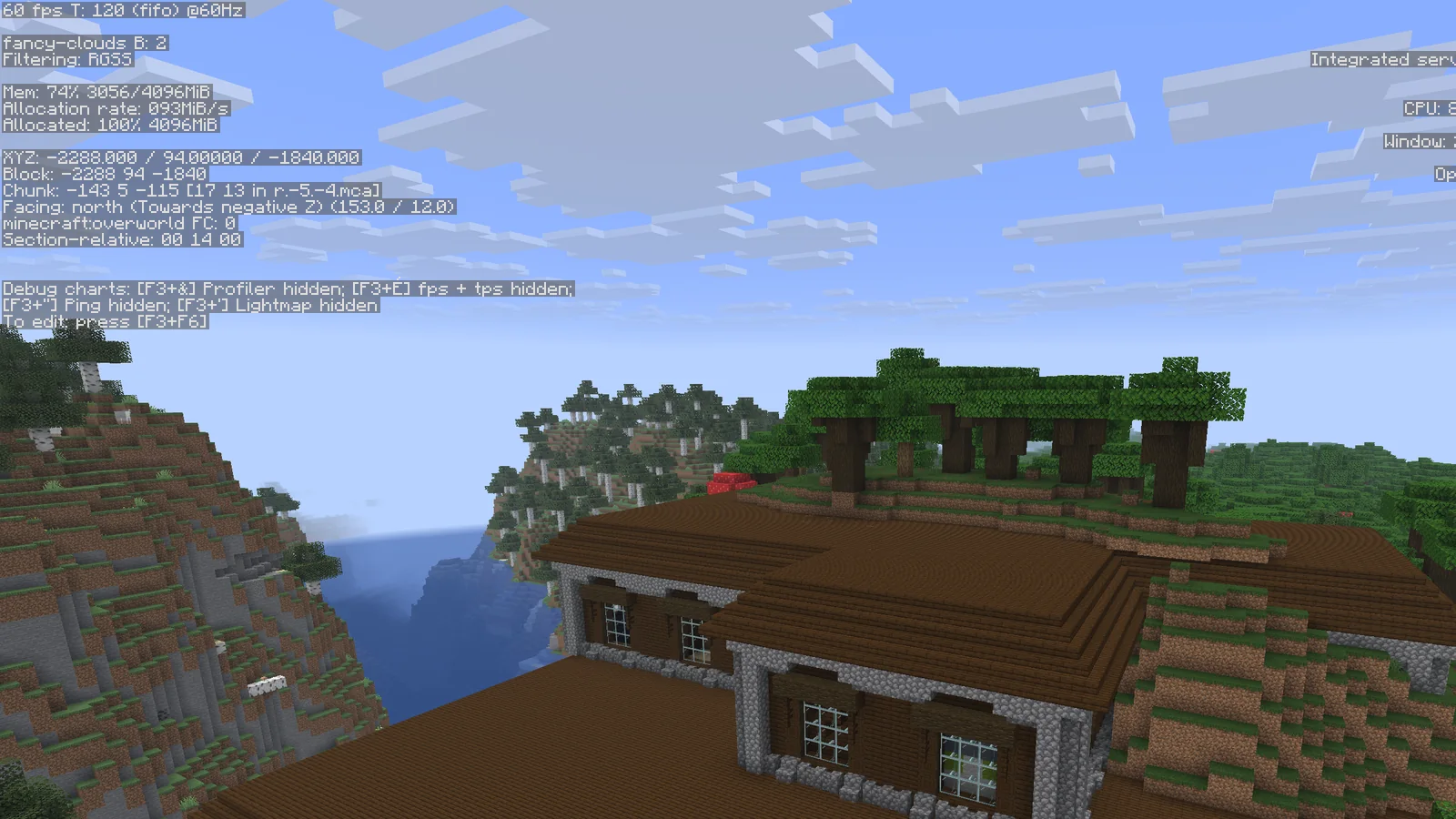
For trips of several thousand blocks, go through the Nether: 1 block there equals 8 in the Overworld. Divide the target X and Z by 8, travel to that point in the Nether and build a portal there. The converter does the math.
Coordinate tools
Turn on JavaScript to use the interactive version.
1 block in the Nether = 8 blocks in the Overworld. Y does not change.
| Overworld | Nether |
|---|---|
| X 0 · Z 0 | X 0 · Z 0 |
| X 800 · Z 800 | X 100 · Z 100 |
| X 8,000 · Z 8,000 | X 1,000 · Z 1,000 |
| X -2,400 · Z -2,400 | X -300 · Z -300 |
Throw an eye, stand where it went, note X, Z and the facing angle. Move 200+ blocks sideways and do it again.
The first number after "Facing" on the F3 screen, while looking at the eye.
| Ring | Strongholds | Distance from 0, 0 (blocks) |
|---|---|---|
| 1 | 3 | 1,296 – 2,800 |
| 2 | 6 | 4,368 – 5,872 |
| 3 | 10 | 7,440 – 8,944 |
| 4 | 15 | 10,512 – 12,016 |
| 5 | 21 | 13,584 – 15,088 |
| 6 | 28 | 16,656 – 18,160 |
| 7 | 36 | 19,728 – 21,232 |
| 8 | 9 | 22,800 – 24,304 |
Maps snap to a fixed grid. Every map that contains your position, at each zoom level:
| Zoom 0 (128×128 blocks) | Centre 0, 0 |
| Zoom 1 (256×256 blocks) | Centre 64, 64 |
| Zoom 2 (512×512 blocks) | Centre 192, 192 |
| Zoom 3 (1024×1024 blocks) | Centre 448, 448 |
| Zoom 4 (2048×2048 blocks) | Centre 960, 960 |
Check the spot when you arrive
- Nothing there? Compare the edition and version on the map with your world first.
- Still nothing? The chunk may have been generated before an update. Try the next marker further out, in land you have never visited.
- Found it? Note the coordinates in a book at your base:
/locateis not available in survival without cheats.
FAQ
Can I see my seed without cheats?
In singleplayer, yes: in Java Edition /seed works with cheats off. On a server you need operator rights, or the console.
Does a seed give the same world in Java and Bedrock?
Not for structures: Bedrock Edition places them differently. Pick the right edition on the map, otherwise the markers point to empty land.
Why is the structure not where the map shows it?
Most often the version on the map does not match your world, or that area was generated before you updated the game. Old chunks keep the structures of the version that created them.
Where can I find a seed with a village at spawn?
Our seed list has seeds checked in 26.3 with a village, trial chambers, a mansion or an ancient city close to spawn, with the coordinates of each structure.